How AI Is Changing the Future of SaaS and ERP Systems
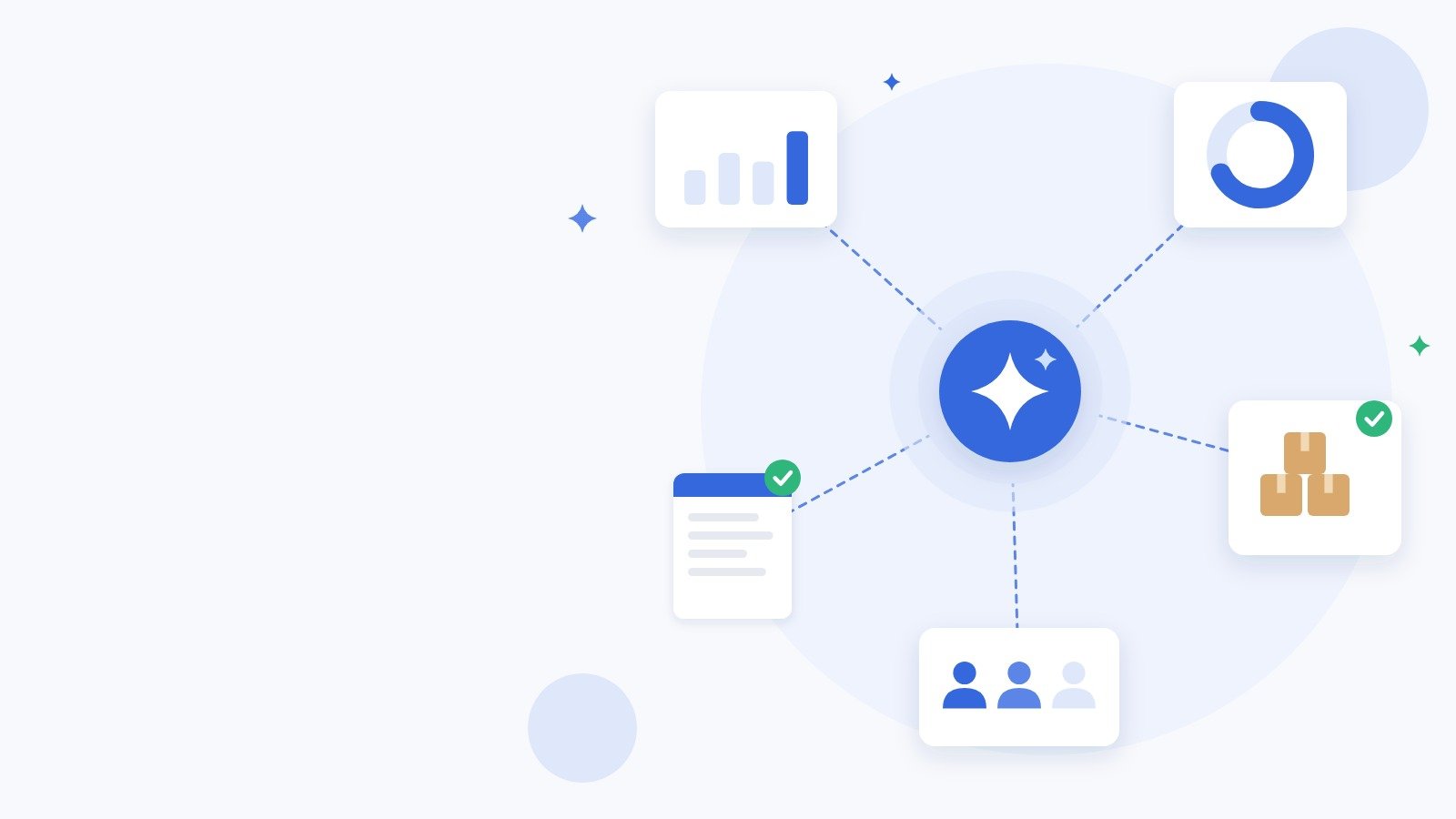
AI is changing SaaS and ERP systems by moving them from software you operate to software you ask. Instead of hunting through menus and exporting reports, you type or say a question, such as "who owes me money?", and the system answers from your own records. The best versions also draft the paperwork, but leave the approval to you.
What is changing in SaaS and ERP software because of AI?
For about thirty years, business software has worked the same way. Data goes in through forms, and you get it back out through reports you have to find, filter and read. The software stores things. You do the thinking.
AI changes the second half of that. Three shifts are already visible:
- Questions replace navigation. You ask for the number instead of remembering which report holds it.
- Drafts replace data entry. You describe a sale in a sentence and get an invoice to check, rather than filling every field.
- Language stops being a barrier. You can ask in the language you actually talk in, not the one the menus were written in.
None of this removes the ledger, the stock records or the tax rules underneath. It changes how you get to them.
Why was traditional ERP so hard for small businesses?
Because it was built for a back office with a trained accountant in it. A shop owner in Lahore or Karachi doesn't have that. You have a day full of customers, and the books get your attention at night or at month end.
So the usual answer became Excel. It's familiar, and it's free. But a spreadsheet only knows what you typed into it, and it breaks quietly: a copied formula, a missed row, a total that doesn't match the bank. If you've read our post on FBR digital invoicing, you know the tax side is moving toward structured, system-generated records anyway. Spreadsheets were already running out of road.
What does asking your books a question look like?
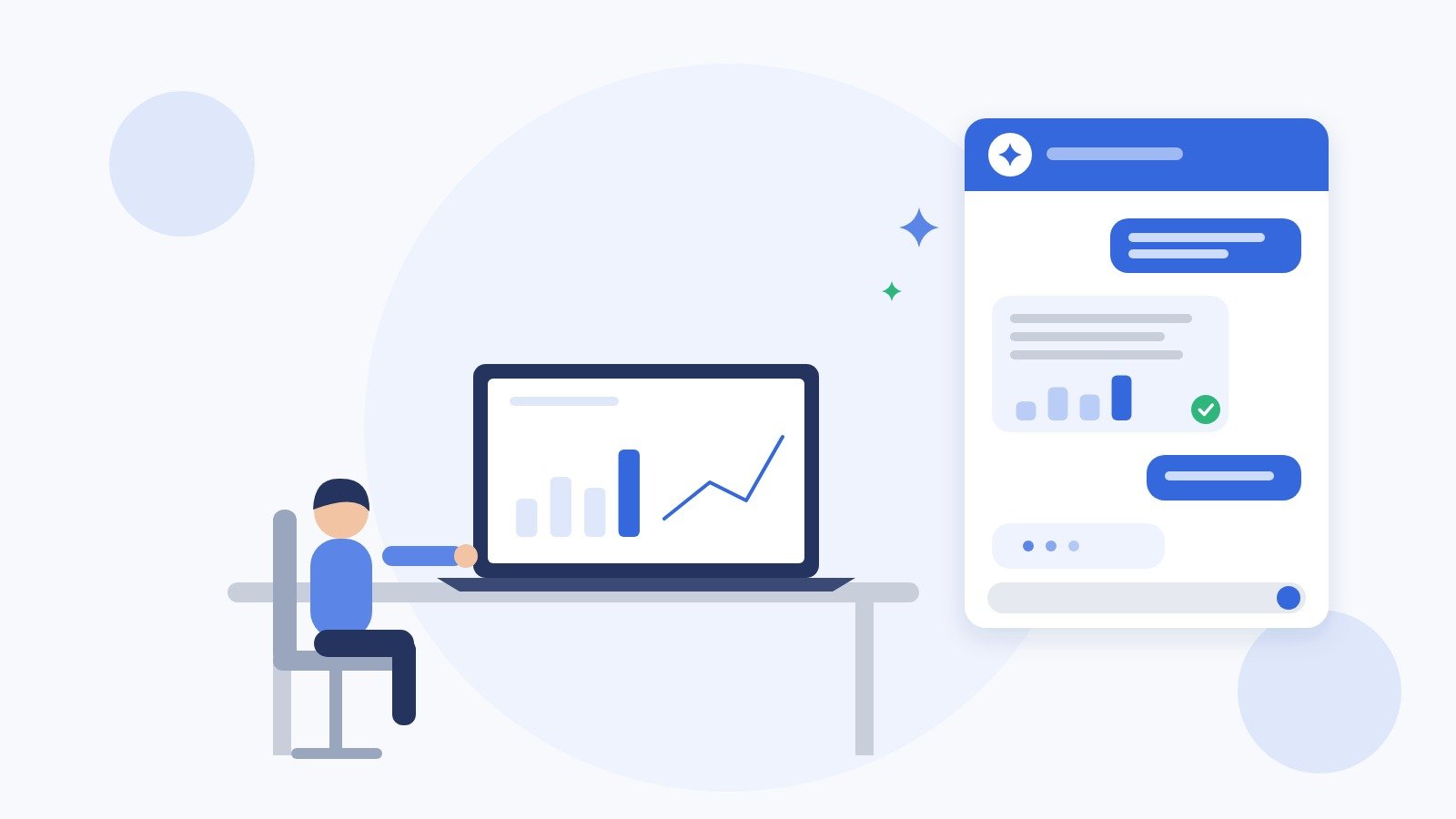
Take a simple one. You ask: "Who owes me money?" A good assistant doesn't give you a paragraph about receivables. It reads your customer balances and lists them. With example numbers:
- Customer A: Rs 45,000
- Customer B: Rs 120,000
- Customer C: Rs 18,500
- Total receivable: Rs 183,500 (45,000 + 120,000 + 18,500)
The same answer in a traditional system means opening the receivables report, picking a date, maybe filtering out archived customers, and adding the column yourself if you want the total. Not hard, but it's five steps against one sentence, and it happens many times a week.
Can AI be trusted with accounting data?
Partly, and that "partly" is the whole design question. Our view: AI should read freely and write carefully.
Reading your numbers and explaining them is low risk, as long as it only sees what your company's data and your role allow. Changing your books is different. A wrong answer costs you a minute. A wrong posted invoice costs you a reconciliation.
That's why a sensible assistant drafts and a person approves. And it's why you should still check any important figure against the report itself. AI can misread a question or give an incomplete answer, and any vendor who says otherwise is selling you something.
There's a second catch that gets mentioned less often. An AI on top of messy data gives you confident, wrong answers faster. If your stock counts and customer balances are not clean, no assistant fixes that. The ledger has to be right first.
Start free with NoExcel and see your own receivables, sales and stock answered from one set of books, with no spreadsheet to reconcile first.
How does NoExcel use AI?
NoExcel has an assistant called Munshi, built into the app. It's deliberately narrow. Here is what it does today, and what it doesn't.
What Munshi can do
- Answer questions about your numbers: who owes you, what you owe, sales today, this week or this month, top customers and products, low stock, bank and cash balances, profit and loss and the balance sheet.
- Take you to the right page: say "open customers" or "new invoice" and it opens it.
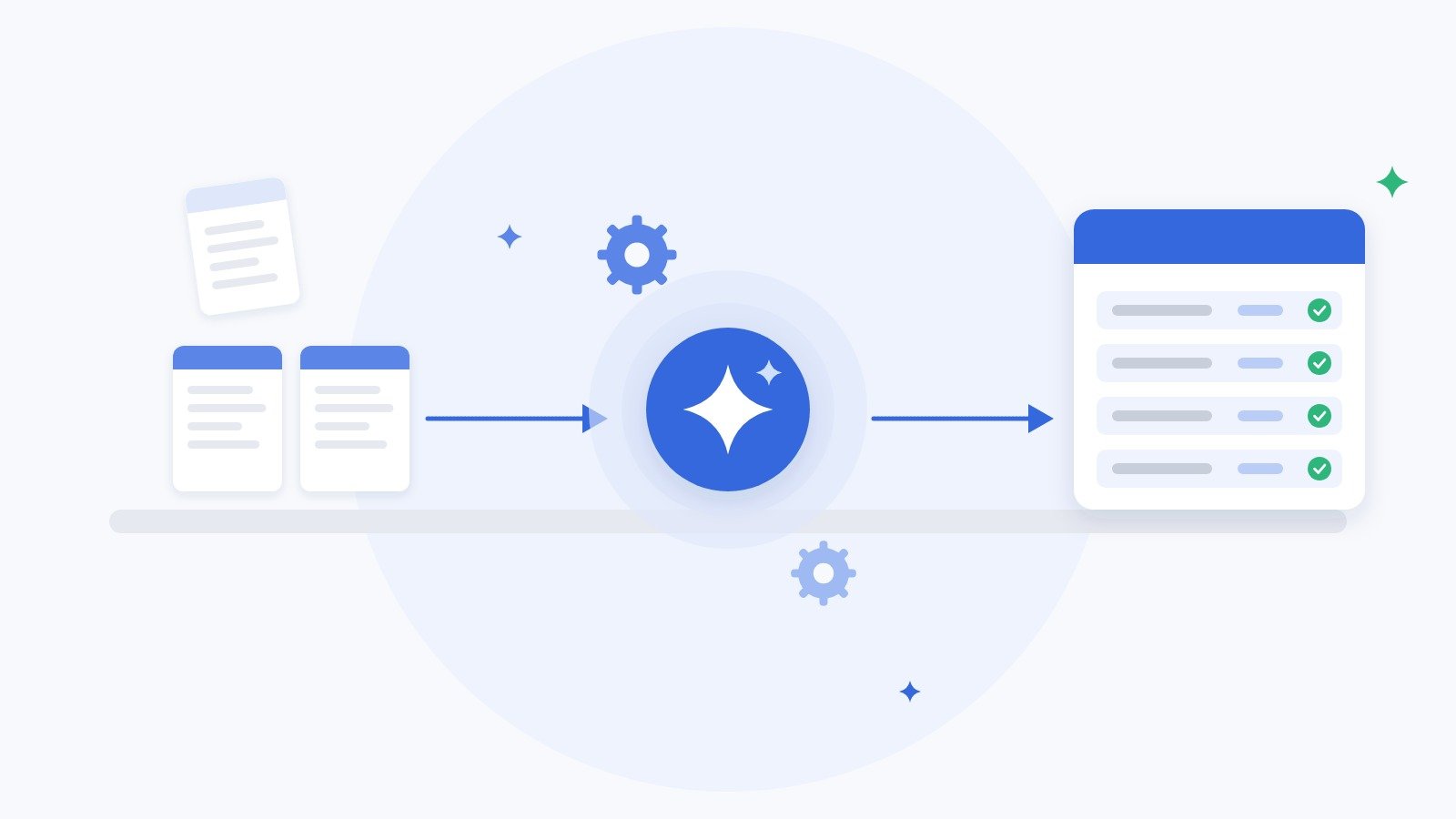
- Draft a sales invoice: describe the sale and it creates a draft. You open it, check it and approve it yourself.
- Work in your language: English, Urdu or Roman Urdu, by typing or, on Growth and above, by voice in browsers that support speech recognition.
- Read a photo: attach up to 3 images to a message, such as a photo of a supplier bill, and ask about them.
What Munshi will not do
- It never approves, sends, posts, voids or deletes anything.
- The only record it creates is a draft sales invoice.
- For approve, send, void and delete, it opens the page so you do it yourself.
- It can't see more than your role is allowed to see.
Munshi is included on the Growth, Business and Enterprise plans, with a monthly message allowance per company. Starter doesn't include it. See the current allowances on the Munshi AI assistant page and the plans on pricing.
Will AI replace accountants and ERP consultants?
Not the judgment part. An assistant can tell you what your receivables are. It can't decide whether to extend credit to a customer who is already 90 days late, or how to handle a disputed tax treatment. What it does remove is the lookup work and the repeat data entry, so an accountant's time goes to the decisions.
For a small business with no accountant on staff, the effect is bigger: you get answers you used to wait for.
What should I look for in AI-powered business software?
- Does it answer from your records, or from a generic model that guesses?
- Can it change your books without you? If yes, ask what stops a mistake from being posted.
- Does it respect roles? A cashier shouldn't get the profit and loss because they asked politely.
- Is the privacy clear? Who can read the chats, and where do questions go to be answered?
- Does it keep working when the AI allowance runs out? Ours falls back to built-in basic questions.
- Does it cover Pakistani compliance? AI is a nice layer on top. If the software can't do FBR and PRA invoicing, the layer is sitting on the wrong foundation.
Is Munshi free, and who can read my chats?
Is there a trial? Yes, there is a 30-day free trial, and a trial includes 30 Munshi messages in total.
Who can read my chats? Only the person who started the chat. Not even a company administrator can read a colleague's. You can delete a chat at any time, and deleting is permanent.
Where do questions go? Free-form AI questions are sent to our AI provider, Anthropic, to produce the answer. Built-in questions are not.
Software is moving from "learn where everything is" to "ask for what you need". If you're still keeping your books in a spreadsheet, the quickest way to feel the difference is to put the same data somewhere that can answer back. Keep your books in NoExcel instead of a spreadsheet, then ask your first question in your first session. More guides are on the NoExcel blog.