Everything you need to invoice, sell and stay compliant
Invoicing, accounting, purchases and point of sale in one place, with FBR and PRA digital invoicing running underneath all of it. This page covers what is in the product today.
Digital invoicing that files itself
NoExcel formats each sales invoice to the schema FBR expects, transmits it to PRAL under your own company credentials, and stamps the returned Invoice Reference Number and QR code onto the PDF slip.
- Sandbox and production FBR tokens configured per company
- Tax rate, HS Code, unit of measure and SRO fields held on the product
- Province, document type and transaction type codes built in
- All 28 FBR sandbox scenarios tracked until each one is cleared
Customers, products, orders and payments
The records an invoice needs, kept where the invoice can reach them. Set a product price and tax rate once, and every future invoice picks it up.
- Customers and suppliers with NTN, CNIC, filer status and opening balance
- Products with HS Code, tax rate, unit of measure, price and stock
- Orders tracked through to invoice
- Payments recorded against invoices and bank accounts
A real ledger behind every invoice
Every sale, bill and payment posts to a chart of accounts you can see. Pull a profit and loss, balance sheet, trial balance or cash flow statement whenever you need one, not just at year end.
- Chart of accounts with journal entries you can review line by line
- Profit & loss, balance sheet, trial balance and cash flow statement
- General ledger drill-down from any report back to the transaction
- Budgets you can compare against actuals by location
The other half of the ledger: what you owe
Raise a purchase order, record what actually arrived, and turn it into a bill without re-typing anything. Aging reports show what you owe and what customers owe you, at a glance.
- Purchase orders through to goods receipts and supplier bills
- Bill payments recorded against the bank account they left from
- Accounts receivable and payable aging, by customer or supplier
- Supplier records held alongside your customers, ready for a bill
A till for the counter, the same data behind it
Ring up a sale on a fast, tap-to-add checkout screen and it lands in the same books as every invoice — stock, tax and the FBR filing included. Run more than one branch or warehouse under one company, each with its own stock count.
- Tap-to-add checkout built for a counter, not a spreadsheet
- Every POS sale is an FBR digital invoice, stamped the same way
- Stock tracked per location, so one branch running low does not block another
- Stock valuation, low-stock and gross margin reports by location
Named after the thing it replaces
You do not have to retype years of records. Download the template, paste your existing sheet into it, and import. Any list in NoExcel exports back out whenever you need it.
- Templated imports for your existing records
- Export any list to Excel, CSV or PDF
- Rows that fail validation are reported, not silently dropped
Know who did what
Everything is scoped to your company, and each user sees only what their role allows. Actions are written to an event log you can go back through.
- Roles from company administrator down to individual user
- Every record scoped to your company, with no cross-company access
- An event log recording actions across the system
- Google sign-in and self-service password reset for your team

The supporting cast
Payments and banking
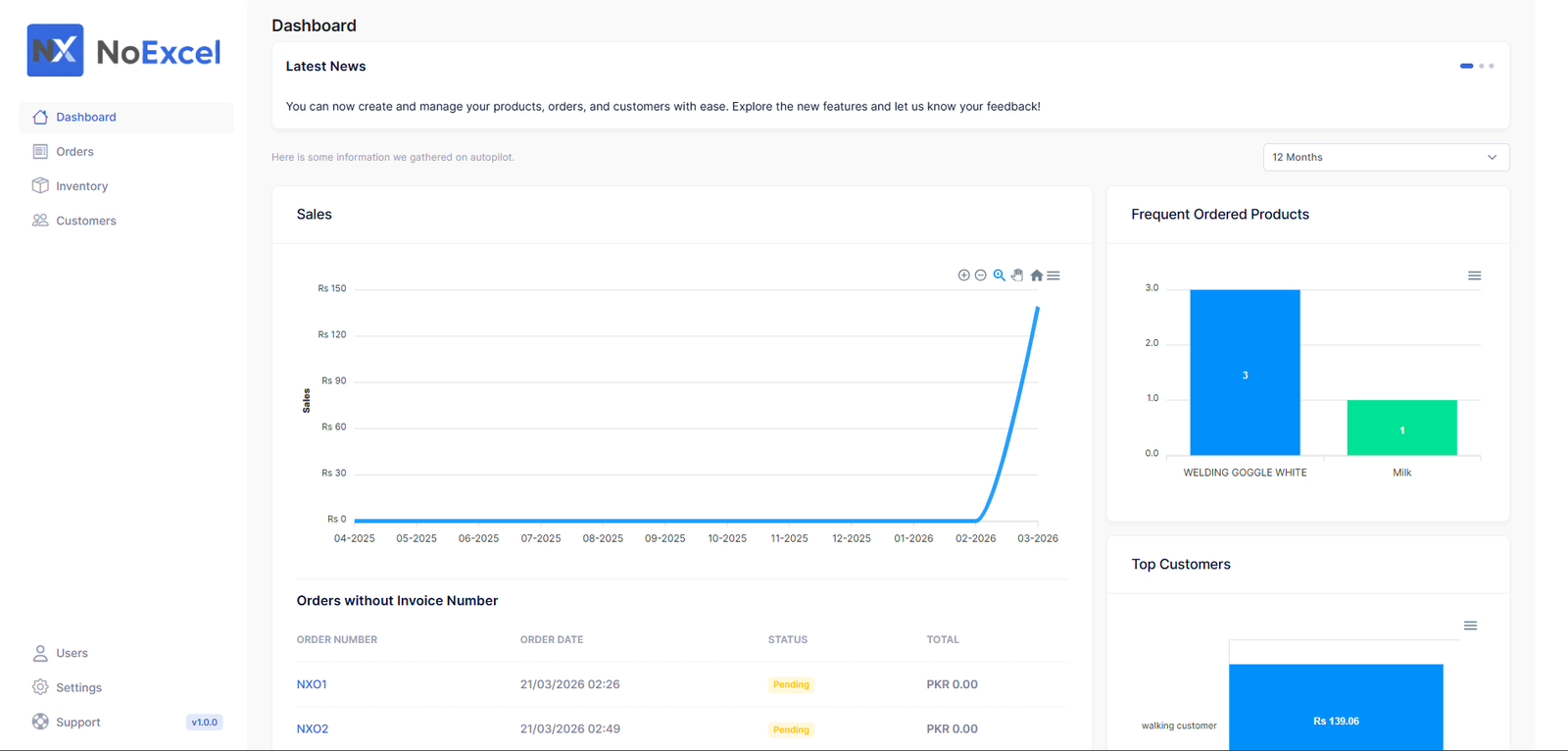
Dashboard and KPIs
Fixed assets & depreciation
Locations & projects
Budgets
Bank reconciliation & post-dated cheques
Recurring documents & approvals
English and Urdu
Help when you need it
What we are building next
HR
Employee records, departments and contracts.
Payroll
Salaries, allowances, deductions and payslips.
See it with your own invoices
Set up your company, connect FBR, and issue a real digital invoice.